Bring your design
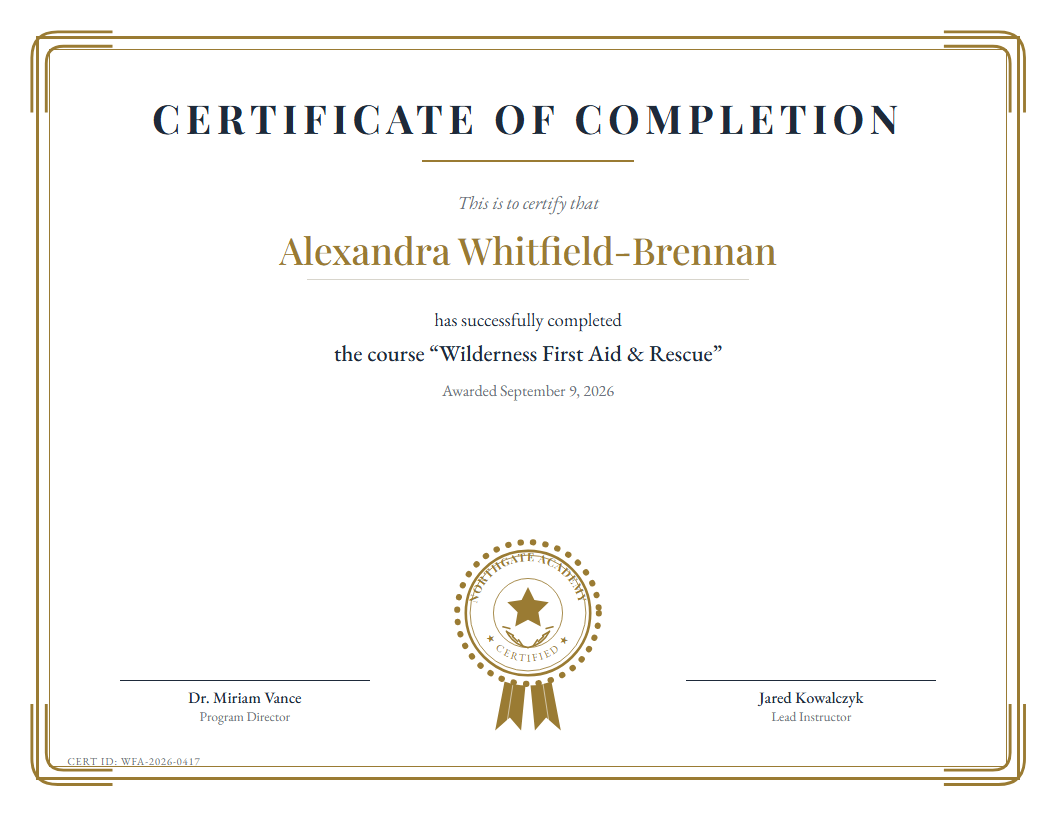
Use your certificate artwork, including a design exported from Canva.
 Que’s Corner
PDF Mailroom · Windows & Linux
Turn your class list or volunteer roster into personalized certificates. Use your own design, bring in Excel or CSV, and save a named PDF for each row.
Your design. Your data. On your computer.
A repeatable workflow
Use your certificate artwork, including a design exported from Canva.
Choose your Excel or CSV data and map its columns.
Review names, dates, and placement before generating.
Generate a separate, named PDF for each recipient.
1 / 4 — Drop the certificate you already designed

_sample-data.xlsx or .csv — map these columns onto the template

Explore the four-row example
This interactive preview uses supplied example data. It does not process your own files. Download the spreadsheet and reference PDFs to inspect the sample.
Four example rows, four reference PDFs, and blank artwork. The reference PDFs reproduce the previews shown here.
Read the full FAQ for both apps → · Need to prepare the PDF first? See PDF Editor 4.0 →
Completion certificates for classes, achievement certificates for events, and appreciation certificates for volunteers and supporters. The sample shows all three.
Yes. The desktop workflow supports placing spreadsheet fields over your certificate artwork. Start with your design and map the changing details, such as names and dates.
No. Four rows are used for this website example. The desktop app supports generation beyond that sample, with overlay placement and Excel sheet selection.
This workflow produces PDF files on your computer. You choose how to print or distribute them; this page does not offer an email delivery service.
Make the next recognition day easier
$25 CAD · pay once
Get PDF Mailroom for your school, club, or community group.
Choose the Windows or Linux listing before checkout. Payhip supplies the download for your selected version.
Choose the file for your computer
Windows packages include an installer and a portable zip. With the zip, extract the folder and run PDFMailroom.exe.
Review the included Windows package at checkout.
Buy Mailroom for Windows — $25 CAD →The Debian/Ubuntu amd64 .deb package is available. An RPM file is also listed in the checksum references; ask about support for your distribution before choosing it.
File: pdf-mailroom_1.0.0_amd64.deb
Buy the Windows version on Payhip. Buy the Linux version on Payhip. Review the included package at checkout. Verify a downloaded file.
Verify your download
Compare your downloaded file with the matching filename and SHA-256 below. These are checksum references, not installer downloads. Available purchase files are shown at checkout.
2D9B13EEA0924E98E16D84002FC02F119A27F8B1DA85F46F96BDCB4AFD8681F841EA30CB9FF3CD5DA593991B1E4D99E26D8A5FFB63BD9757AC2D762E5292DCF97254A952835226A43CB15BBABD3A2D89EC34444A9869AEDC85B95A488812838D9F97E7FD4F3C7E09B24060EAB4282655E38B2273457002430E7932F1F3A7C061On Windows, open PowerShell and run Get-FileHash -Algorithm SHA256 -LiteralPath "path-to-download". On Linux, run sha256sum "path-to-download". Compare the entire result; uppercase and lowercase mean the same thing. If it does not match, download again or contact us before opening the file.